Fire Compliant Containment System
- The Fire Activation Control Kit mechanism is installed near the BMS panel and connected to the fire control panel. Through integrated hardware and software, the roof panels and doors automatically open in the event of a fire, ensuring safety within data center infrastructure.
- The system configuration can be customized based on specific requirements, supporting secure and compliant data centre building environments.
- Drop Panel
- EML Drop Panel
- Motorised Drop Panel
Drop Panel
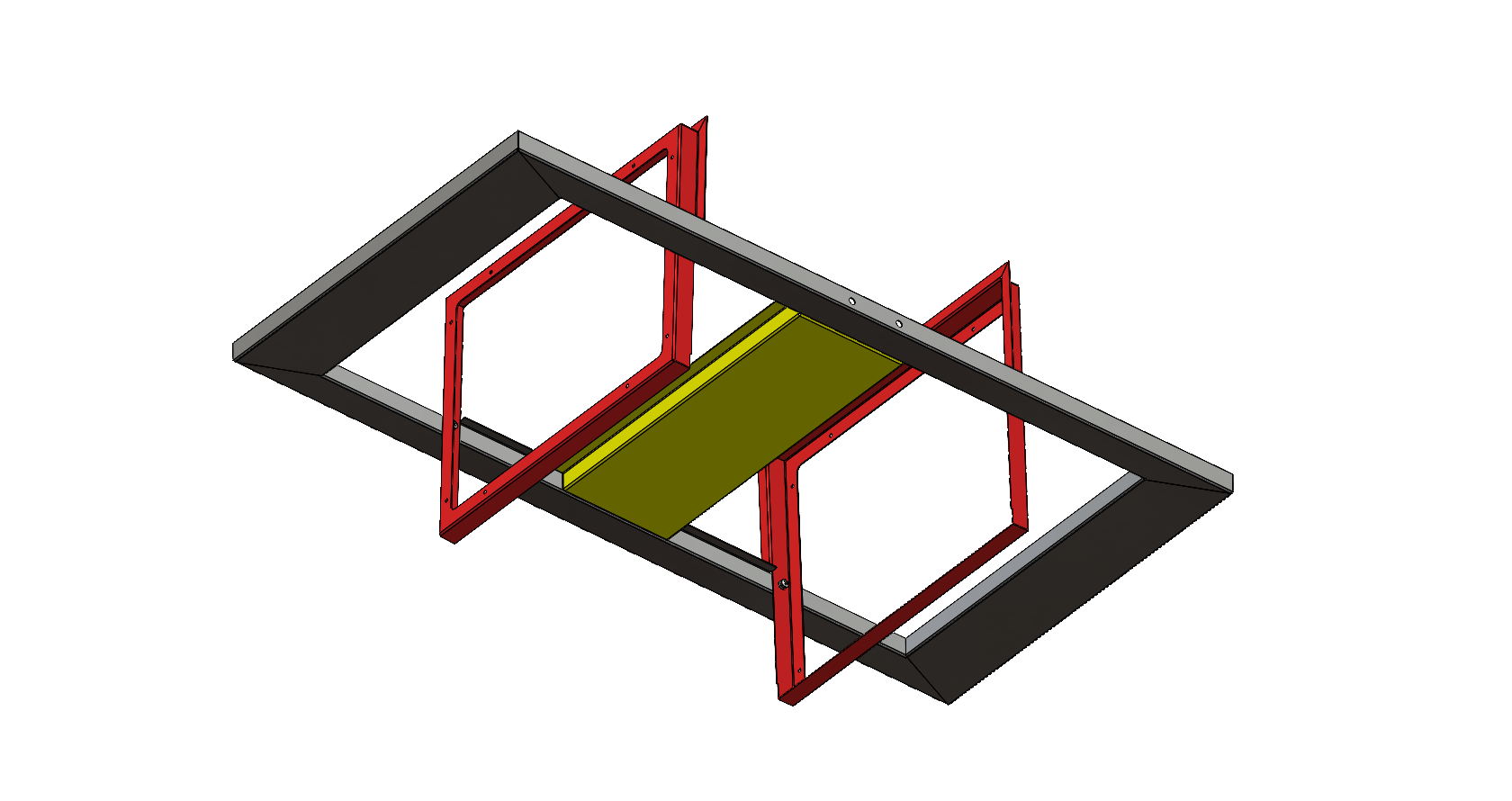
CAC top panel magnetic opening kit is designed to open automatically when sudden air pressure is released from the top side. This action is triggered by pressure discharge from the FM 200 nozzle during fire suppression events.
The opening mechanism may vary based on site conditions during actual scenarios, ensuring reliable performance within data center infrastructure.


EML Drop Panel
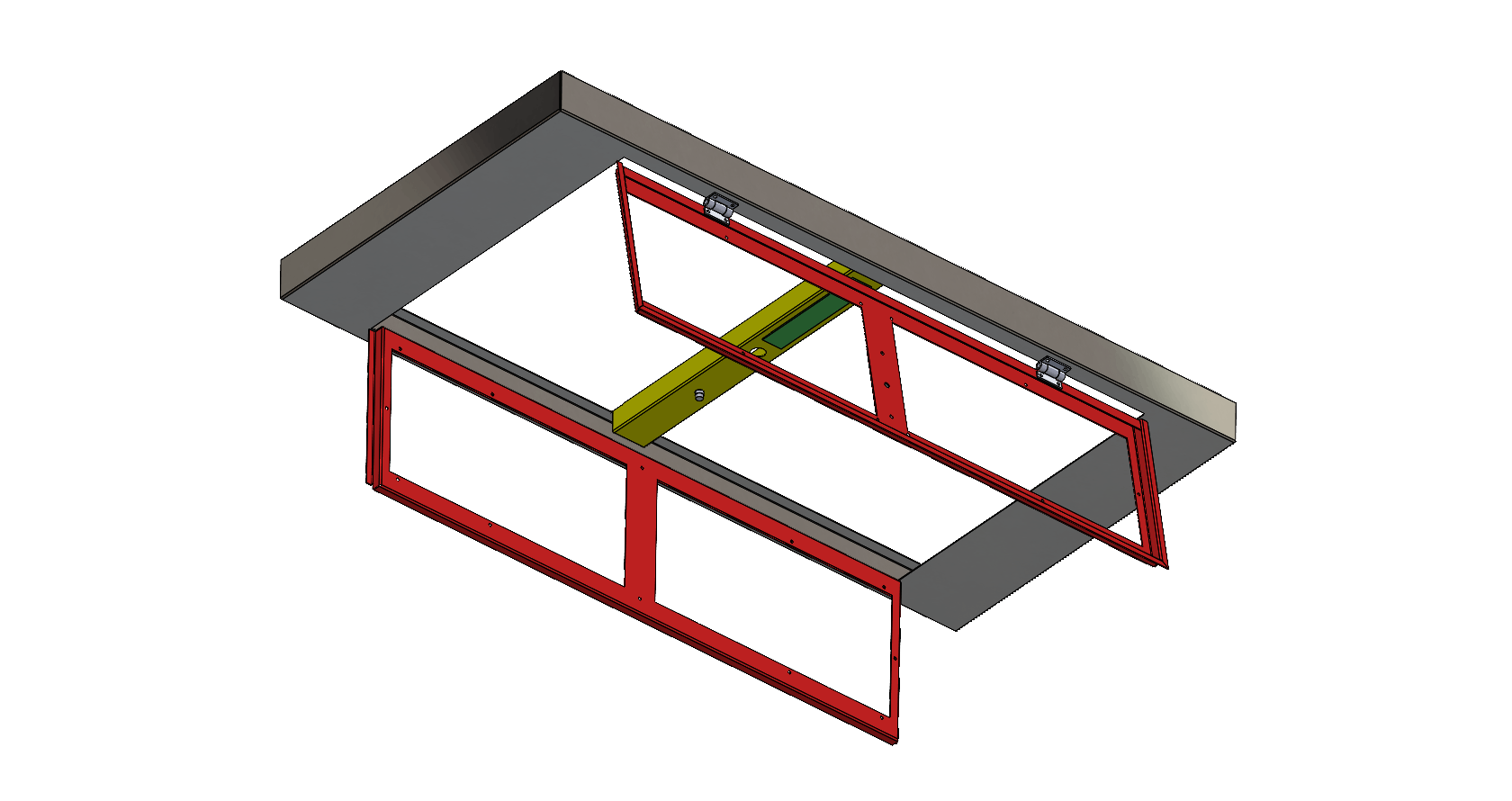
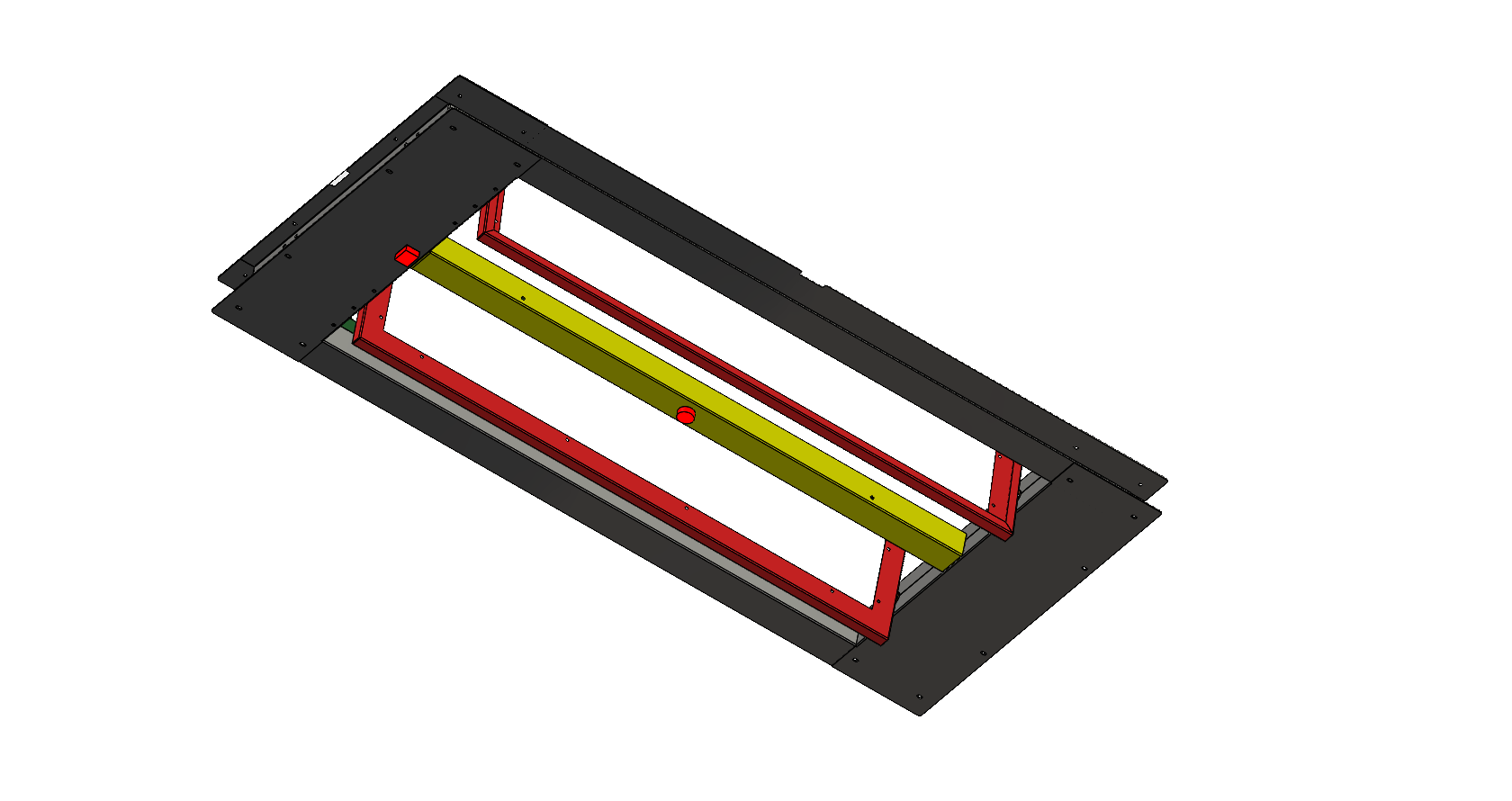
The top panel opens automatically upon receiving a signal from the fire controller. It swings open to approximately 70 degrees within less than 10 seconds, based on an electromagnetic system with built-in redundancy.
After activation, the panel can be manually closed by pushing it upward until it locks securely. The panel is positioned above the top level based on site conditions, providing an opening of approximately 6 sq ft, ensuring reliable performance within data center infrastructure.


Motorised Drop Panel
Top panel auto-opening kit is designed to open upon receiving a signal from the fire controller. It swings open to approximately 80 degrees within less than 10 seconds. The system operates on a motorised mechanism with redundancy, typically configured with two panels and automatic closing functionality. The panel is positioned approximately 100 mm above.
A power kit is provided for BMS fire integration, enabling all top panel systems to connect seamlessly with the fire control unit, ensuring reliable operation within data center infrastructure.


Related Products
Containerized Modular Data Center
Corridor Utility Support System